
SlickText Alternatives: Best SMS Platforms to Switch to in 2026
There's no pause button on SlickText, so a quiet season means paying full price or canceling and losing your number. Here are five alternatives that handle it better.
Most SlickText customers don’t leave because the product is broken. They leave because there are multiple problems they face while running a campaign.
For instance, the monthly bill doesn’t stop during quiet stretches when nothing gets sent. There’s no pause button on the dashboard – a gap one reviewer called out specifically, noting they couldn’t ‘pause the account in some form or fashion to retain the contacts.’ For seasonal operators, that means the choice is to keep paying full price or cancel and start fresh next time.
This is the friction that pushes a lot of small businesses, nonprofits, and seasonal operators to start shopping for alternatives.
This guide walks through the five strongest SlickText alternatives for 2026, broken down by what each does best, what it really costs, and the kind of business it actually fits. There’s a migration playbook at the end, too, for moving your contacts off SlickText in under a day.
Try TextSpot, the best alternative to SlickText for free. No credit card needed.
Key Takeaways
|
Why Look for a SlickText Alternative?
SlickText does a lot of things better but there are some alarming aspects where it falls short for its existing customers. Although they have a solid 1,800+ G2 reviews, customers seem to be facing some common problems.
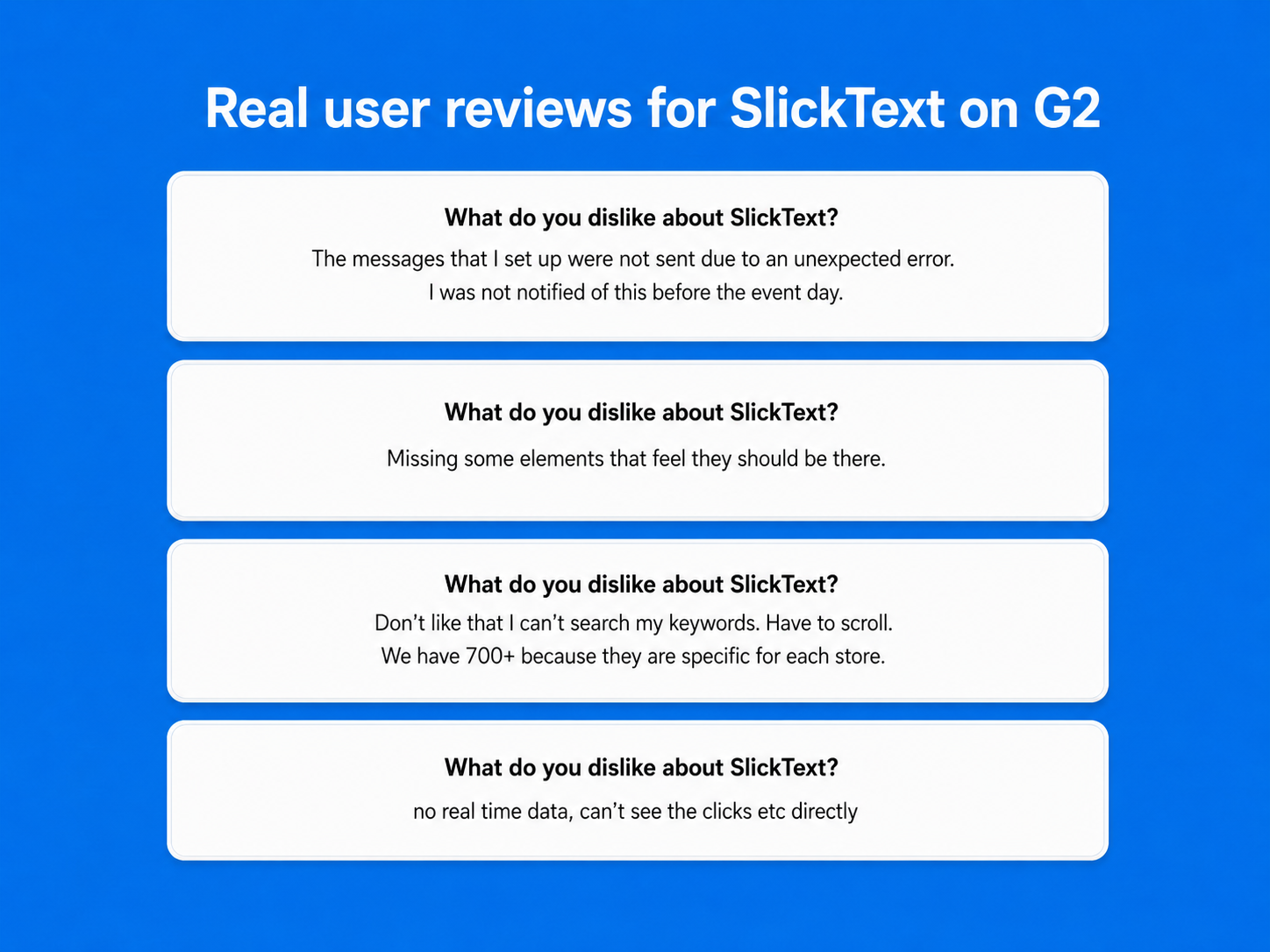
The primary concern for customers include the tool missing out on some elements or even having frequent glitches and errors. Moreover, the usability is also impractical at times, like not having a keyword search feature according to a G2 reviewer, or no real time data where the clicks aren’t visible.
But, there are some core shortcomings in SlickText’s offerings that might demand you to look for an alternative like:
- No pause option for seasonal sending: If your year revolves around an annual event, a quarterly push, or a six-month season, you either keep paying through the quiet stretches or cancel outright and lose your number and subscriber list. There’s no middle ground built into the platform.
- Annual contracts make leaving slower than expected: Multiple reviewers on Capterra describe being billed after their cancellation requests went in, with the company citing auto-renewal terms.
- Key features gated behind higher tiers: 1-on-1 onboarding kicks in at the $129 plan, and Shopify integration, dedicated CSMs, and certain automation features sit even higher up. For a small business signing up at the entry tier, the path to unlocking what you originally wanted often runs through plans you weren’t planning to buy.
So, with all this in mind, let’s look at the best alternatives to SlickText now.
SlickText Alternatives: Price Comparison
| Product | Starting Price | Best For | Standout Feature | Ease of Use |
|---|---|---|---|---|
| TextSpot | $29/mo, 500 credits | SMBs, nonprofits, seasonal operators | $5/month subscription pause, 30% discount for qualifying non-profits | Very easy |
| SimpleTexting | $29/mo, 500 messages | Multi-user marketing teams | Three seats, shared inbox | Easy |
| EZ Texting | $25/mo (+$5 telecom fee), 500 credits | Established SMBs needing a mobile app | AI tools, mobile apps | Easy |
| Textedly | $29/mo, 500 messages | High-volume, budget-conscious senders | 14 granular pricing tiers | Easy |
| Twilio | $0.0083 per SMS segment | Developers, API-driven SaaS | Programmable Messaging API | Code required |
Not ready to read the full breakdown? Here’s the short version.
Top 5 SlickText Alternatives for 2026
TextSpot: Best for Small Businesses and Service-Based Teams
- Ideal Use Case: Appointment-based businesses (dentists, chiropractors, medical practices, salons, spas, legal services), nonprofits running annual or quarterly campaigns, event organizers, etc.
- Starting Price: $29/month for 500 credits.
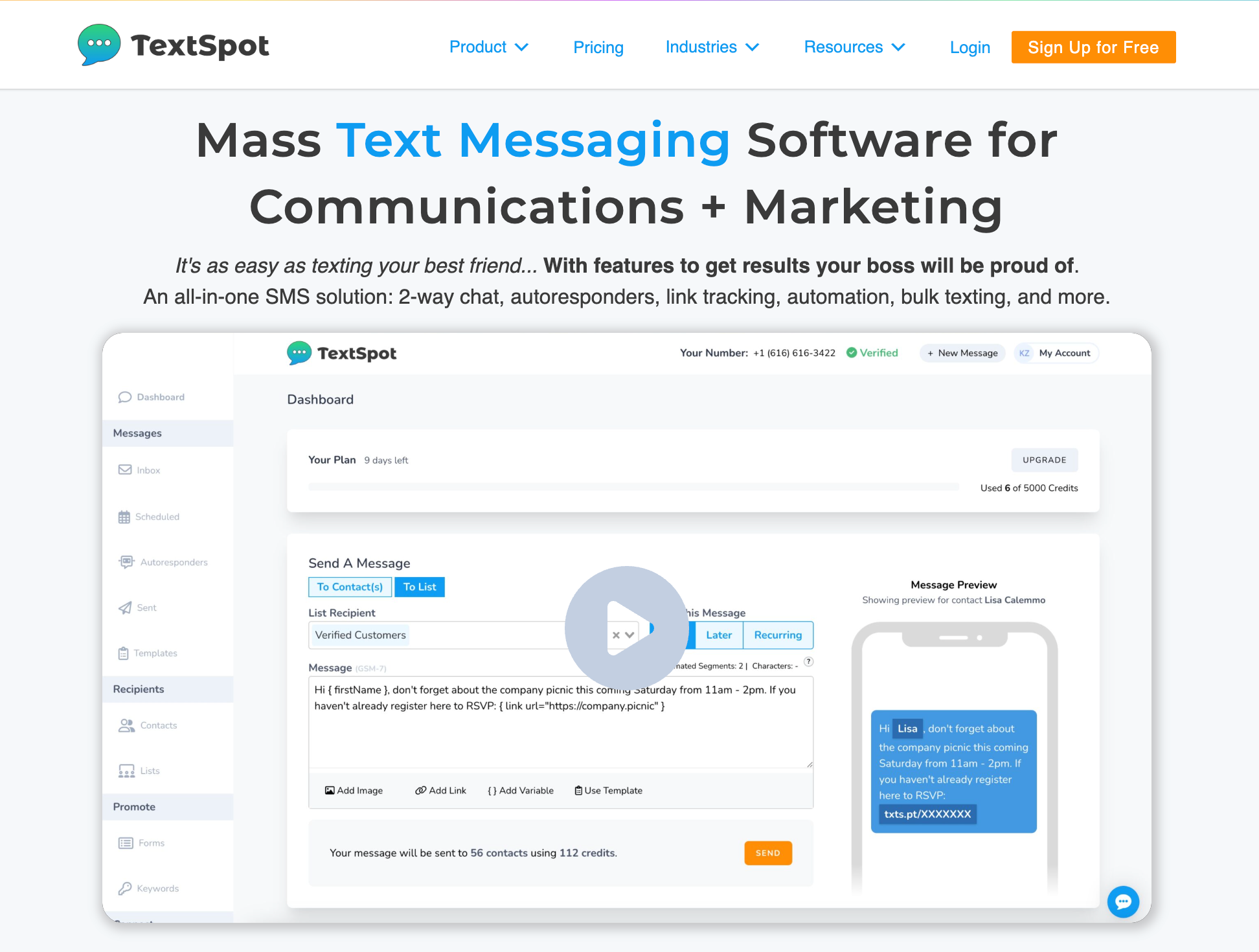
If you’re shopping SlickText alternatives for mass texting, the migration anxiety is usually bigger than the platform anxiety. You might think what if the texts stop landing? How long until A2P approves? Can I keep my number? Will I lose two years of subscriber opt-ins?
And that’s exactly where TextSpot shines the brightest. The A2P 10DLC registration clears in 2-3 days at TextSpot, compared to the 6 to 10 weeks typical at other platforms. Your existing SlickText number can be ported over, and while porting processes, you can run TextSpot on a temporary number at no extra cost. Nothing goes dark.
Our platform is built around the friction points that send people looking for a SlickText replacement in the first place. The pricing plan runs $29 (500 credits), $45 (1,000), $70 (2,000), $97 (3,000), with no annual contract. Every feature is at every tier, which is the bigger story.
For example, SlickText gates 1-on-1 onboarding at the $129 plan and Shopify integration even higher. On TextSpot, the entry tier and the top tier have the same feature set. You’re paying for credits, not for permission to use what the platform already does.
Then there’s the Pause feature. For $5 a month, a seasonal operator (an annual fundraiser, a summer camp, a holiday-driven retail brand) can keep their phone number, their subscriber list, and their A2P registration warm during quiet months without paying the full plan price.
Plus, Per-contact link attribution shows you exactly which subscriber clicked which link, so a follow-up call or text lands with context. Our AI compliance screening further scans every outbound message for TCPA and carrier issues before it sends, which matters more after you’ve been A2P-flagged once.
Zapier covers most integrations at TextSpot including HubSpot, MailChimp, Stripe, Pipedrive, and Monday.com, so most native-integration gaps fill in within an afternoon.
Standout Features:
- Zapier integrations with 7,000+ apps
- 30% discount for qualifying nonprofits
- Every feature on every plan, with no upsell gating between tiers
- Per-contact link attribution showing exactly which subscribers clicked each link
Use If:
- You want straightforward, all-inclusive pricing with no annual contract and no surprise tier jumps
- You send fewer than 3,000 texts a month and want pricing that matches your volume
- Your busy season is 3-6 months long and the rest of the year feels like paying equal rent on an empty office
Don’t Use If:
- You’re a heavy SlickText Shopify-integration user
- You’re locked into 6+ months of an annual contract and the math doesn’t justify writing it off yet
SimpleTexting: Best for Shared-Inbox Teams Replacing Single-Login Setups
- Ideal Use Case: Marketing departments, customer service teams, and growing SMBs where multiple people need to send campaigns.
- Starting Price: $29/month for 500 messages with a toll-free number, or $39/month with a local number.
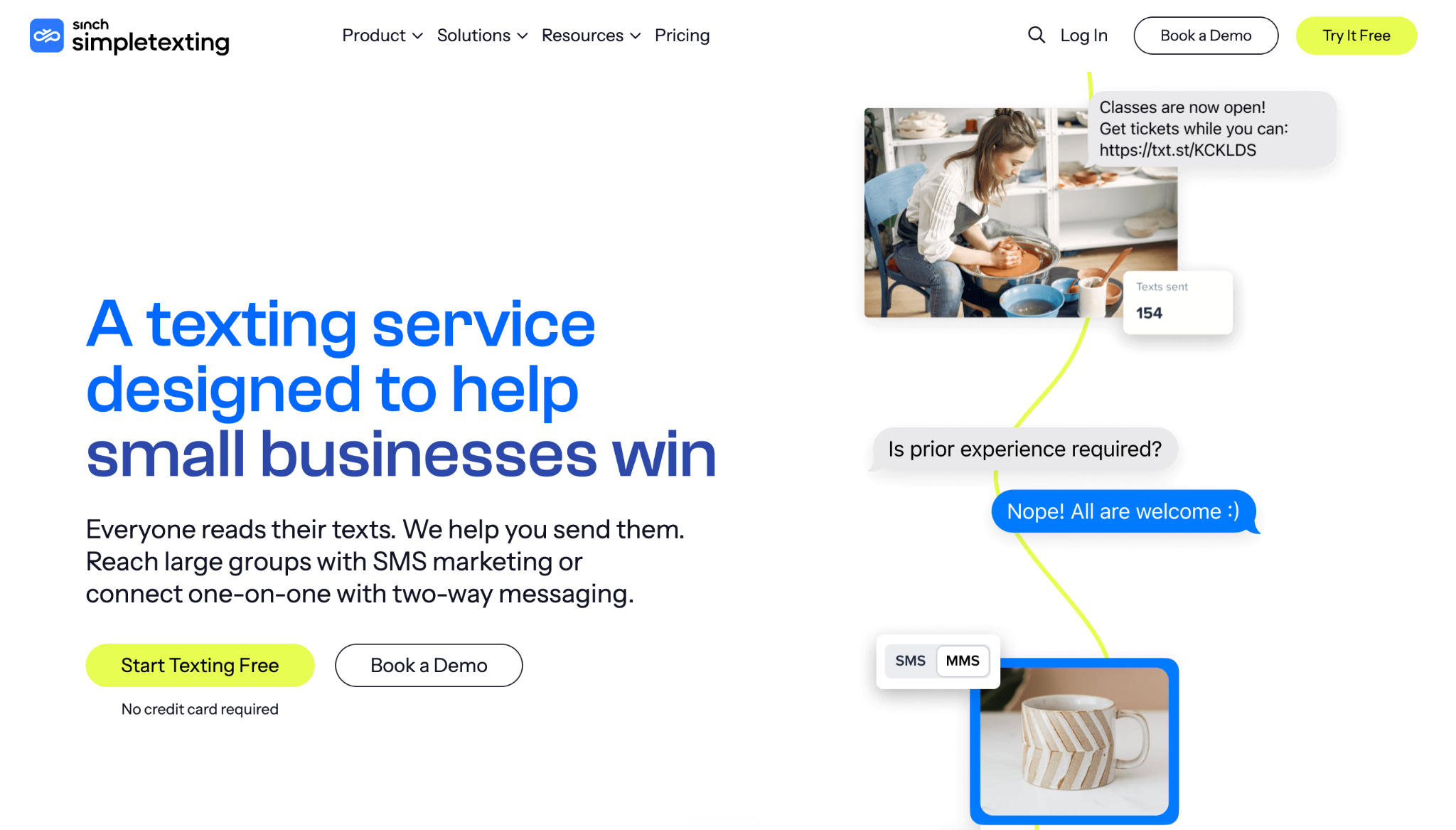
If the cancellation drama was a big part of why you’re shopping SlickText alternatives, SimpleTexting’s contract stance is the cleanest answer on this list.
There are no annual contracts, plans move up or down month to month, and every paid plan comes with a 30-day money-back guarantee. If the platform doesn’t fit inside the first month, you walk away with a refund instead of a support ticket.
SlickText also caps team users by plan tier, which pushes growing teams up the ladder before their send volume actually justifies the jump. SimpleTexting includes three seats on every plan from the $29 starter up. The honest catch is that the fourth seat onwards is $20/month each, so it works best for teams that fit inside three logins. Past that, the math tightens fast.
What you get for those seats is a real shared inbox. Inbound replies queue in one place that your whole team works from, not in a personal account someone has to forward into Slack. Conversations can be assigned to a specific teammate, internal notes stay invisible to the subscriber, and you can park a thread when you’re waiting on context before replying.
For a team that’s been sharing one SlickText login or copy-pasting customer replies into a group chat, that’s usually the moment the platform earns its keep.
On the automation side, the base plan covers drip campaigns, autoresponders, surveys, contests, birthday texts, and SimpleTexting’s AI message generator. Native integrations include a direct Mailchimp connection (useful if your SMS and email lists overlap, since SlickText typically gates Mailchimp behind a higher tier), plus the standard Zapier catalog for everything else.
The visual workflow builder is shallower than SlickText’s, but it handles the automations most SMBs actually run.
Standout Features:
- 30-day money-back guarantee on every paid plan
- Three user seats included on every plan (with the $20/month add-on disclosed up front)
- Native Mailchimp integration at the base tier
- Shared inbox with conversation assignment, internal notes, and thread parking
Use If:
- The SlickText contract experience pushed you out, and you want a platform that lets you cancel in a click
- You have 2-3 people who all touch the SMS account daily, and you’d like an inbox they actually share
- Your email list lives in Mailchimp and you want SMS and email contact data to sync without a Zapier hop
Don’t Use If:
- You need a pause option for seasonal sending (SimpleTexting doesn’t offer one; TextSpot does)
- Your team is going to grow past 3 SMS seats inside the next 6-12 months (the $20/seat add-on adds up fast)
EZ Texting: Best for Established Teams That Want a Long-Standing Platform With a Mobile App
- Ideal Use Case: SMBs and growing teams that want a mature, all-in-one platform with strong AI tooling, real iOS and Android apps, and pre-built integrations.
- Starting Price: Launch plan at $25/month if you pay monthly. Free trial includes 120 SMS messages.
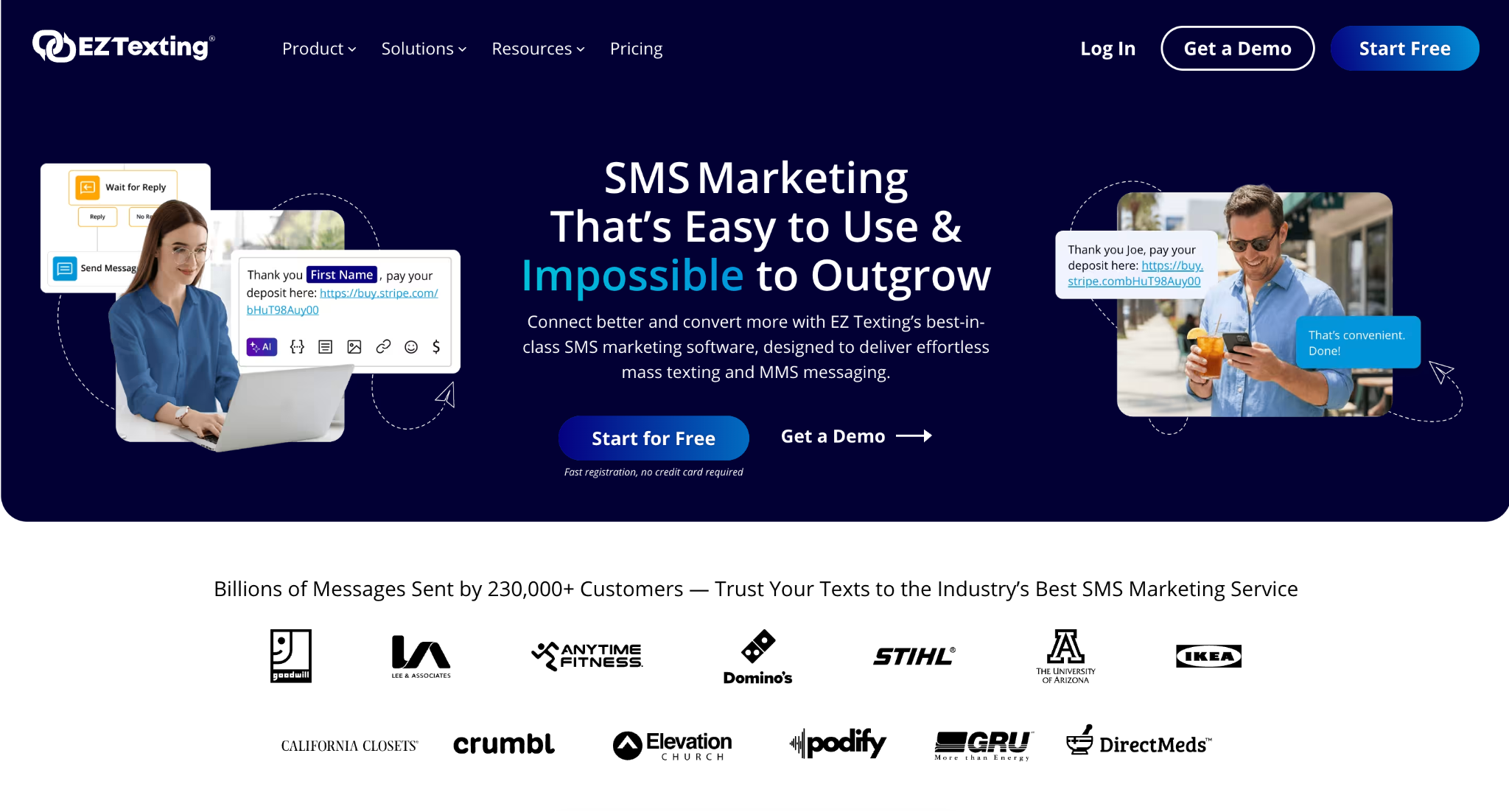
EZ Texting’s template library alone is bigger than what SlickText offers. The AI suite (AI Compose for drafting, AI Reply for responding) handles the “what do I write?” problem that catches a lot of new SMS marketers. Shutterstock is built in, too, which gives you access to millions of stock images for MMS without paying for a separate license.
The integration story is where it really pulls ahead. SlickText leans on Zapier for most third-party connections. EZ Texting ships with native HubSpot, Constant Contact, Mailchimp, Squarespace, and Shutterstock integrations, plus REST API access on every plan.
So, if your marketing team already lives inside one of those tools, that’s hours of setup work you skip. The QR code generator and landline texting (where you text-enable your existing business number) are two more nice touches you don’t get with SlickText.
Now the catches. Pricing climbs hard between tiers ($25 to $75 to $125 and then straight to $3000), so the cost curve isn’t really gentler. Notably, there’s a $5 monthly telecom fee on the Launch plan that the higher tiers waive.
Standout Features:
- AI Compose and AI Reply tools for drafting and responding to messages
- Native iOS and Android apps with full platform functionality
- Built-in QR code generator for offline opt-ins
- Landline texting that text-enables your existing business number
- Massive template library and 20+ million Shutterstock images included
Use If:
- You’re already on HubSpot, Mailchimp, or Constant Contact and want native (not Zapier-routed) integrations
- You need a full-functionality mobile app for managing campaigns on the go
- You want AI tools that actually help draft and reply to messages, not just dashboard polish
Don’t Use If:
- You’re a healthcare practice that needs HIPAA-compliant texting
- You want a pause option for seasonal use (EZ Texting doesn’t have one)
Textedly: Best for Budget-Conscious and High-Volume Senders
- Ideal Use Case: Cost-sensitive teams that want to pay only for the message volume they actually send, and high-volume senders (5,000+ messages a month) who’ve outgrown the top tier of other platforms.
- Starting Price: Basic plan at $29/month for 500 messages. Free 14-day trial with 50 messages, no credit card required.
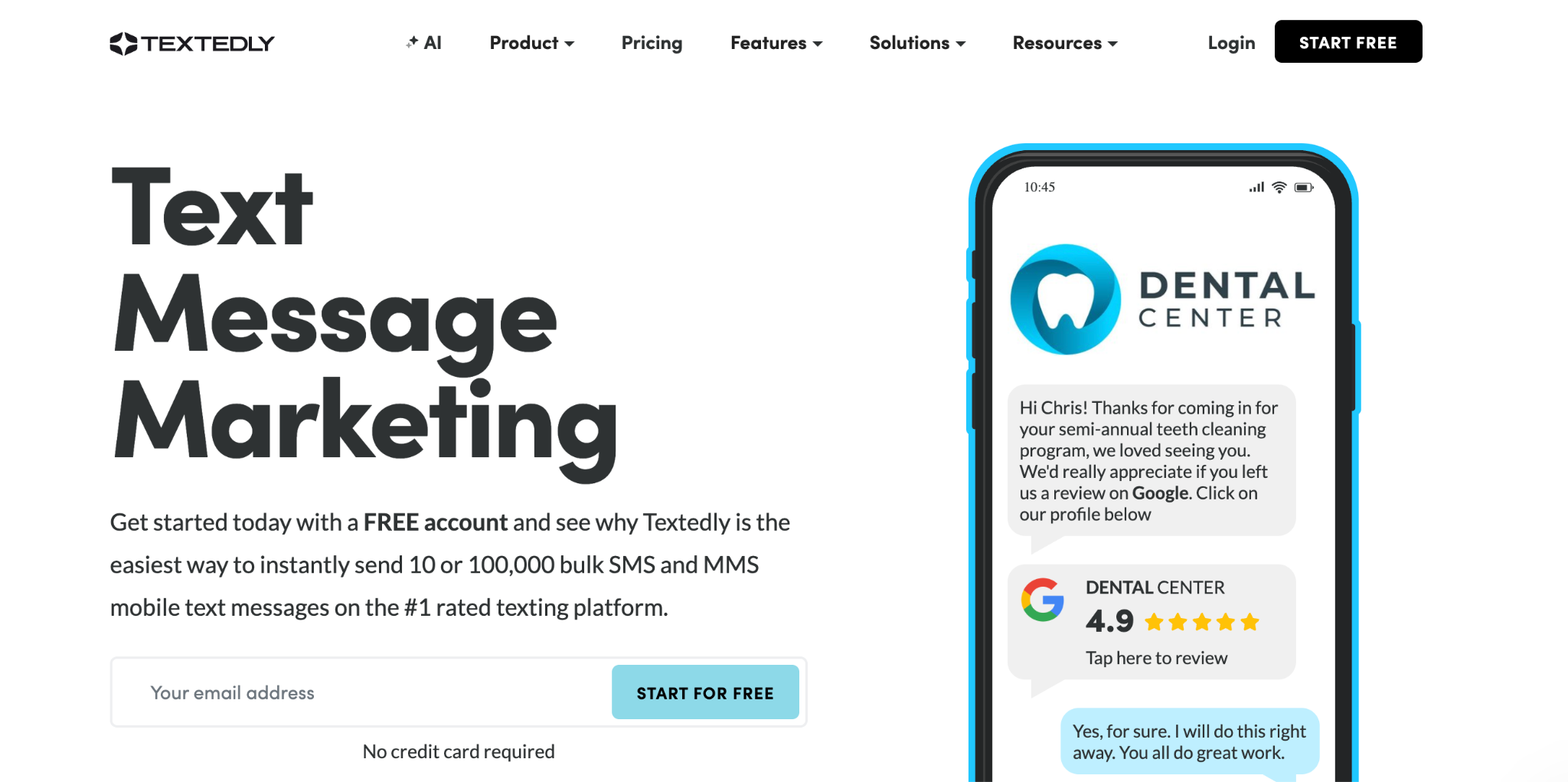
Most SMS platforms offer you one of four or five pricing tiers. Textedly gives you 14. Open their pricing page and count the plans for yourself: Basic ($29), Bronze ($49), Plus ($79), Enterprise ($125), Elite ($169), and so on.
That granularity is the whole point. Textedly even keeps going all the way to $5,520 for 300,000 messages a month, with eight more tiers in between to right-size. For a high-volume sender who’s already outgrown SlickText, that’s the difference between negotiating an enterprise contract and just picking a plan.
The feature stack is leaner than what you’d find on SlickText or EZ Texting, and that’s the trade. You get SMS and MMS, scheduled texts, drip campaigns, keywords, two-way messaging, webforms, and an omnichannel inbox.
The 455-character SMS limit is genuinely useful (most platforms cap at 160, with extended messages running 306). Plus, you get AI Voice Agents that turn your business number into a 24/7 inbound phone agent.
Text-to-Pay and Google Reviews integrations are included on every plan. The customer roster (Chick-fil-A, Bayer, GoDaddy, UPS, American Heart Association) makes it clear the platform holds up at scale.
A few catches worth knowing. Every account carries an $8/month telecom surcharge that doesn’t show up in the headline price. The Basic plan only gives you 1 keyword (you need the Plus plan at $79 to get even 2). User seats are $10/month each, so a three-person team is paying $20 extra on top of whatever plan they pick.
Standout Features:
- AI Voice Agents on plans $125+ that answer inbound calls with human-like conversations
- Text-to-Pay and Google Reviews integrations included on every plan
- Unlimited contacts on every plan
- Cancel anytime, no long-term contracts
- 5,000 bonus messages when you refer another business (and the referral gets 5,000 too)
Use If:
- You’re a high-volume sender (5,000+ messages a month) who wants more granular pricing than SlickText’s tier jumps allow
- You want longer SMS messages (up to 455 characters) without breaking into MMS pricing
- You want AI Voice Agents alongside SMS, all on a single platform
Don’t Use If:
- You’re sensitive to monthly surcharges (the $8/month telecom fee is unavoidable)
- You need a pause option for seasonal use (Textedly only offers a 3-month freezing period)
Twilio: Best for Developers and High-Volume API-Driven Use Cases
- Ideal Use Case: Engineering teams building custom messaging into their own app.
- Starting Price: Pay-as-you-go at $0.0083 per SMS segment, plus $1.15/month for a long code phone number.
Twilio isn’t really just an SMS marketing platform. It’s the plumbing underneath them. A meaningful chunk of the tools in this category route their messages through Twilio’s network without ever telling you that’s how the message reaches the carrier. You’re paying for the wrapper on top.
That makes Twilio a different kind of choice. There’s no dashboard for building campaigns. No template library. No QR code generator. No shared inbox. What you get instead is a Programmable Messaging API, a Conversations API for two-way threads, and infrastructure that handles carrier routing, queueing, and deliverability across most of the world. Your engineering team writes the code that does everything else.
For the right team, this trade is excellent. If you’re a SaaS company sending appointment reminders directly from your own app, a fintech firing 2FA codes at signup, or an e-commerce platform pushing shipping updates from your order system, Twilio gets you to under one cent per SMS at volume.
Add the Engagement Suite ($0.015/message, first 1,000 free monthly), and you also get link shortening, click tracking, and message scheduling on the same backend. In fact, companies like Uber, Airbnb, and Lyft built their entire messaging stacks on it.
For the wrong team, it’s a trap. The pay-per-message pricing looks unbeatable until you realize you’ve spent six weeks of engineering time building the dashboard, the opt-in flows, the consent records, the bounce handling, the unsubscribe processing, and the analytics that platforms like SlickText hand you on day one.
Standout Features:
- Pay-as-you-go pricing starting at $0.0083 per SMS segment (under one cent at scale)
- Programmable Messaging and Conversations APIs with documentation in every major language
- Channels for SMS, MMS, WhatsApp, RCS, Facebook Messenger, and Apple Messages for Business
- Global SMS coverage with native carrier routing
- Bring-your-own-number option at $0.50/month instead of $1.15
Use If:
- You have an in-house engineering team and want full control over the messaging logic
- You’re a SaaS product or app sending transactional messages (2FA, order updates, alerts) directly from your codebase
- You’re a very high-volume sender (50,000+ messages/month) where the per-message savings justify the build cost
- You need global SMS coverage outside the US and Canada
Don’t Use If:
- You’re a small business or nonprofit that wants to send a text campaign by lunchtime today
- You don’t have a developer on staff to build the layer between your business and the API
- You need a shared inbox, contact management, or scheduling UI out of the box
How to Migrate From SlickText to TextSpot
Moving off SlickText is pretty easy and quick if you do it in the right order. The whole migration takes about a day of active work, plus a 2 to 3-day wait for carrier approval. Here’s how to do it.
Step 1: Export Your Contacts From SlickText
Log in to SlickText and head to Contacts → Export Subscribers. Choose CSV format and include all custom fields (first name, last name, signup date, tags) so nothing gets lost in the transfer. Save the file somewhere easy to grab in a minute.
Step 2: Create Your Free TextSpot Account
Go to textspot.io and sign up with your email. No credit card required, and you’ll get 50 credits plus a 14-day trial to test the platform with real messages. Pick a local or toll-free number during signup, which becomes the number your subscribers see going forward.
Step 3: Import Your Contact List
In TextSpot, navigate to Contacts → Import and upload the CSV from Step 1. Map your columns to TextSpot’s fields (phone number is the only required one) and confirm the import. Your subscriber list and custom fields carry over intact, including opt-in dates for compliance records.
Step 4: Complete A2P Carrier Registration
A2P 10DLC registration is required for all business texting in the US. TextSpot’s process clears in 2 to 3 days for a one-time $19 fee, compared to the 6 to 10 weeks typical elsewhere in the industry.
Walk through the A2P registration guide for the brand and campaign details you’ll need on hand.
Step 5: Send Your First Campaign
Once A2P is approved, head to Campaigns → New Campaign, pick your list, write or paste a message, and either send right away or schedule it for later. The AI compliance screening flags any TCPA or carrier issues before delivery, so the first send tends to be smooth. Welcome to TextSpot.
Start your free TextSpot trial →
Frequently Asked Questions
What’s the Best Alternative to SlickText?
For most small businesses, nonprofits, and seasonal operators, TextSpot is the closest match. Same $29 entry price as SlickText, no contracts, every feature on every plan, and a $5/month pause that SlickText doesn’t offer. If you have a marketing team that needs shared inbox access from day one, SimpleTexting is worth a look. If you’re a high-volume sender with engineering resources, Twilio’s pay-as-you-go pricing wins on cost-per-message.
Is TextSpot Cheaper Than SlickText?
At the entry tier, both start at $29/month for 500 credits. The savings show up as you grow. TextSpot is $45 for 1,000 credits versus SlickText’s $49. At 2,000 credits, it’s $70 versus $79. Across a typical year, that delta plus the $5/month pause adds up to a few hundred in savings for a small or seasonal operation.
Can I Keep My Phone Number if I Switch From SlickText?
Yes, most SlickText numbers can be ported to TextSpot, though porting takes about 2 to 4 weeks for carrier approval. While that’s processing, you can run TextSpot on a temporary number at no extra cost, then swap once your original number is fully ported in. Don’t cancel SlickText until the port completes, because canceling early ends the port request.
How Long Does It Take to Migrate From SlickText to TextSpot?
Most teams finish the active work in a single day, including contact export, TextSpot setup, and the import. The wait is for A2P carrier registration, which takes 2 to 3 days at TextSpot versus 6 to 10 weeks at many alternatives. End-to-end, you can be sending live campaigns from TextSpot within a week.
Does TextSpot Have the Same Features as SlickText?
Yes, TextSpot also offers mass texting, two-way messaging, MMS, autoresponders, drip campaigns, scheduled sends, keyword opt-ins, and contact management. TextSpot goes further on AI compliance screening, per-contact link attribution, and the built-in pause for seasonal sending. For an appointment-based business or nonprofit, TextSpot covers the daily workflow well.
If SlickText’s contract is part of what pushed you here, the setup on the other side looks different. TextSpot runs month-to-month with no annual lock-in or auto-renewals. Try it out now.
START FOR FREE. NO CREDIT CARD REQUIRED.
Create Account
Start scheduling, managing, and automating text messages today.
Create Your Free Account
Start scheduling, managing, and automating text messages today.
No credit card required. Takes 3 minutes.